FruWorks Bridge · Live production control
Your console and SuperRack, working as one.
FruWorks Bridge connects PreSonus StudioLive consoles with Waves SuperRack and keeps the details that matter in sync throughout a show.
01
Bridge between two systems
LIVE
Built for show-critical workflows
SYNC
Names, scenes, snapshots and BPM
Signal flow
One network link. One coordinated workflow.
Bridge translates console state into the SuperRack context your engineer expects, so focus stays on the mix.
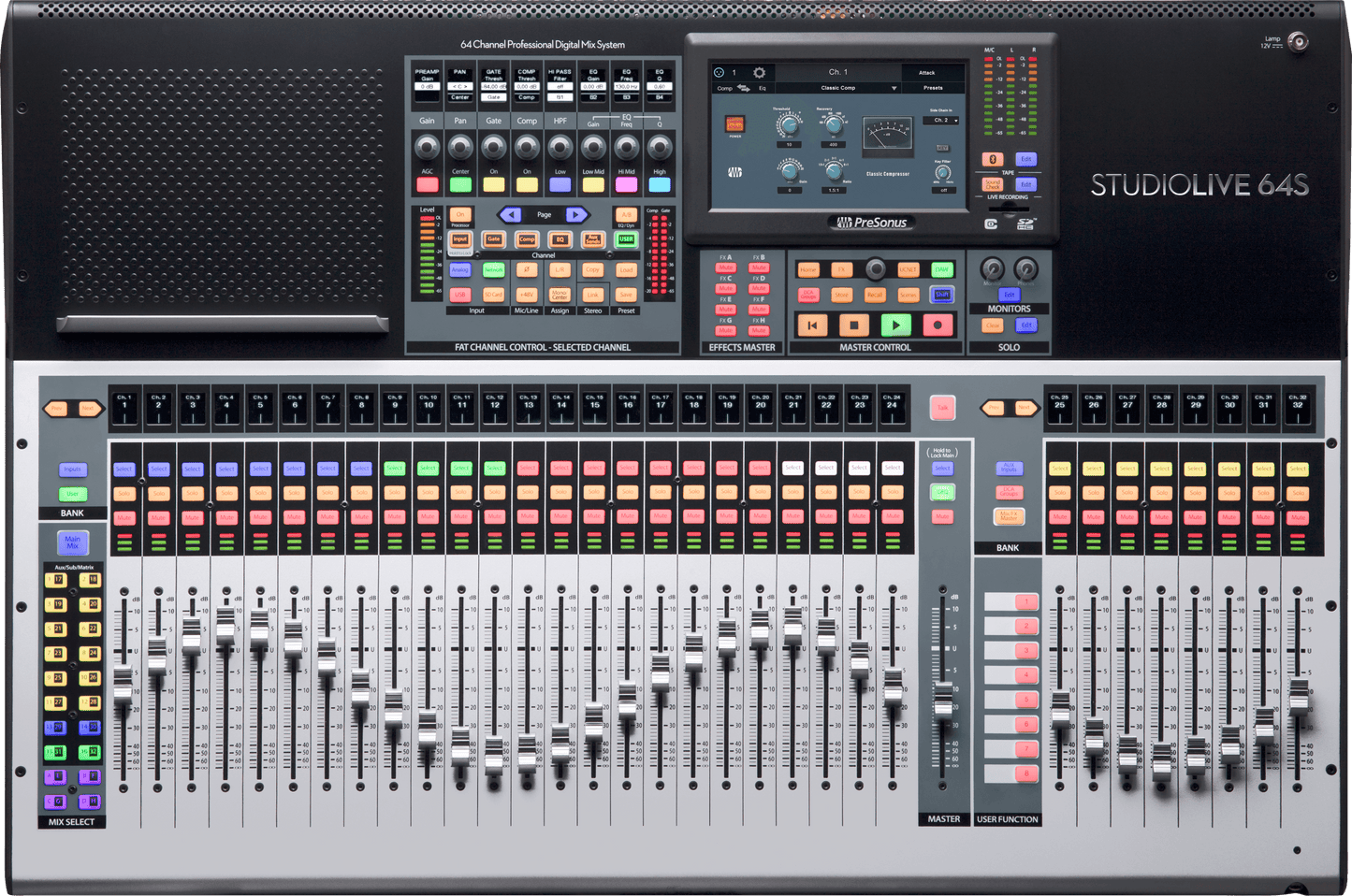
CONSOLE · CONTROL SOURCE
PreSonus StudioLive 64S
Channel names, project and scene context, snapshots and tempo originate at the console.
FruWorks Bridge
ETHERNET · BIDIRECTIONAL CONTROL
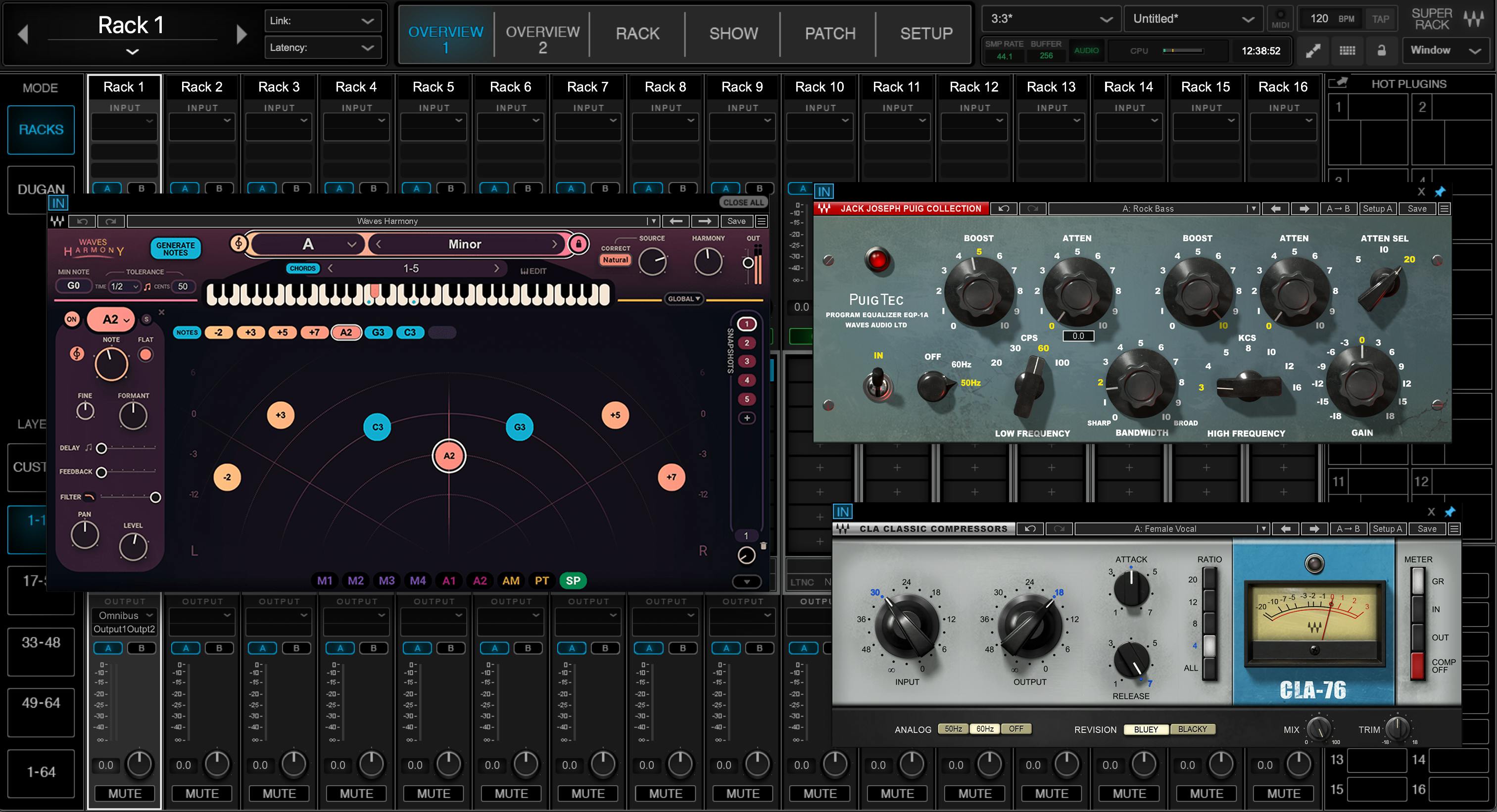
PROCESSING · RACK DESTINATION
Waves SuperRack
The matching rack, snapshot and channel identity are ready when the engineer selects a channel.
Core functions
The repetitive work happens automatically.
01 · FOLLOW
Automatic rack selection
Select a console channel and Bridge brings the corresponding SuperRack rack into view.
02 · IDENTIFY
Channel-name synchronization
Keep channel labels consistent across both applications and reduce avoidable show-file errors.
03 · MATCH
Project and scene matching
Associate the console project and scene with the right SuperRack session for repeatable recall.
04 · CONTROL
Snapshots and BPM
Coordinate snapshot changes and tempo-sensitive effects without duplicate manual input.
In practice
From connection to show time.
STEP 01
Connect
Place the console and SuperRack computer on the production network and select both endpoints.
STEP 02
Map
Confirm channel and show-file relationships once, then store them with the project.
STEP 03
Mix
Operate from the console while Bridge quietly keeps SuperRack aligned in the background.
Roadmap
Built to grow with the production.
Planned · Monitor workflows
Monitor-mix integration
Extend context-aware control to personal and engineer monitor workflows.
Research · Assisted setup
MCP-powered AI setup assistant
Guide console discovery, configuration and troubleshooting through a controlled assistant.
Planned · External control
Bitfocus Companion support
Expose reliable show actions to buttons, control surfaces and wider production automation.
Download
FruWorks Bridge
The release package, system requirements and changelog will appear here.
Support free software
Help fund the next release.
Bridge is planned as a free FruWorks project. A donation link can be connected here when ready.